 Engagement Rate Calculator
Instagram engagement rate for any profile, and the posts that beat it
Open a profile and see its engagement rate next to the usual range for its size. Every post and reel gets an outlier score: how many times it beat the creator’s typical post.
Works on instagram.com in a desktop browser while you are logged in.
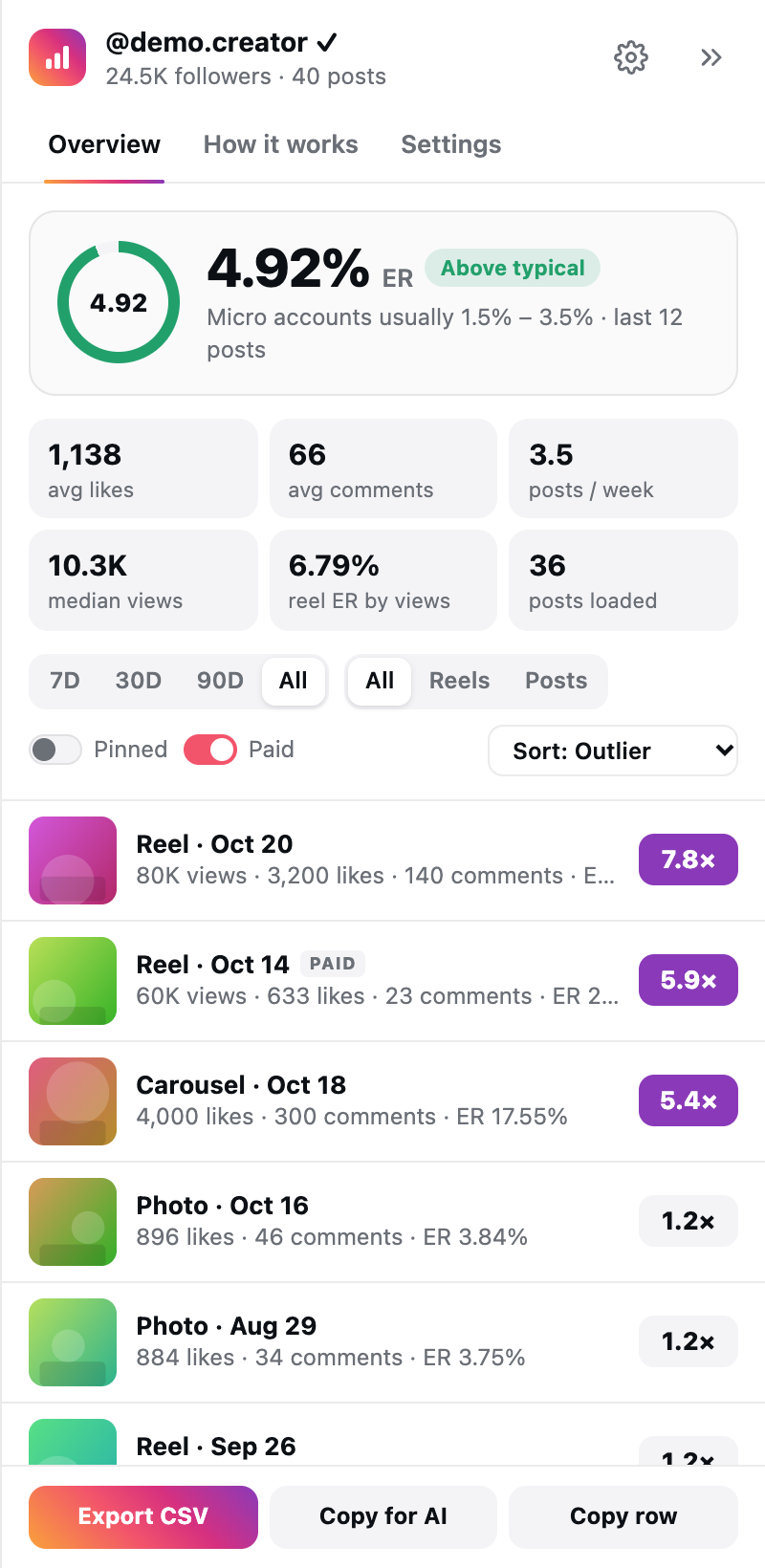
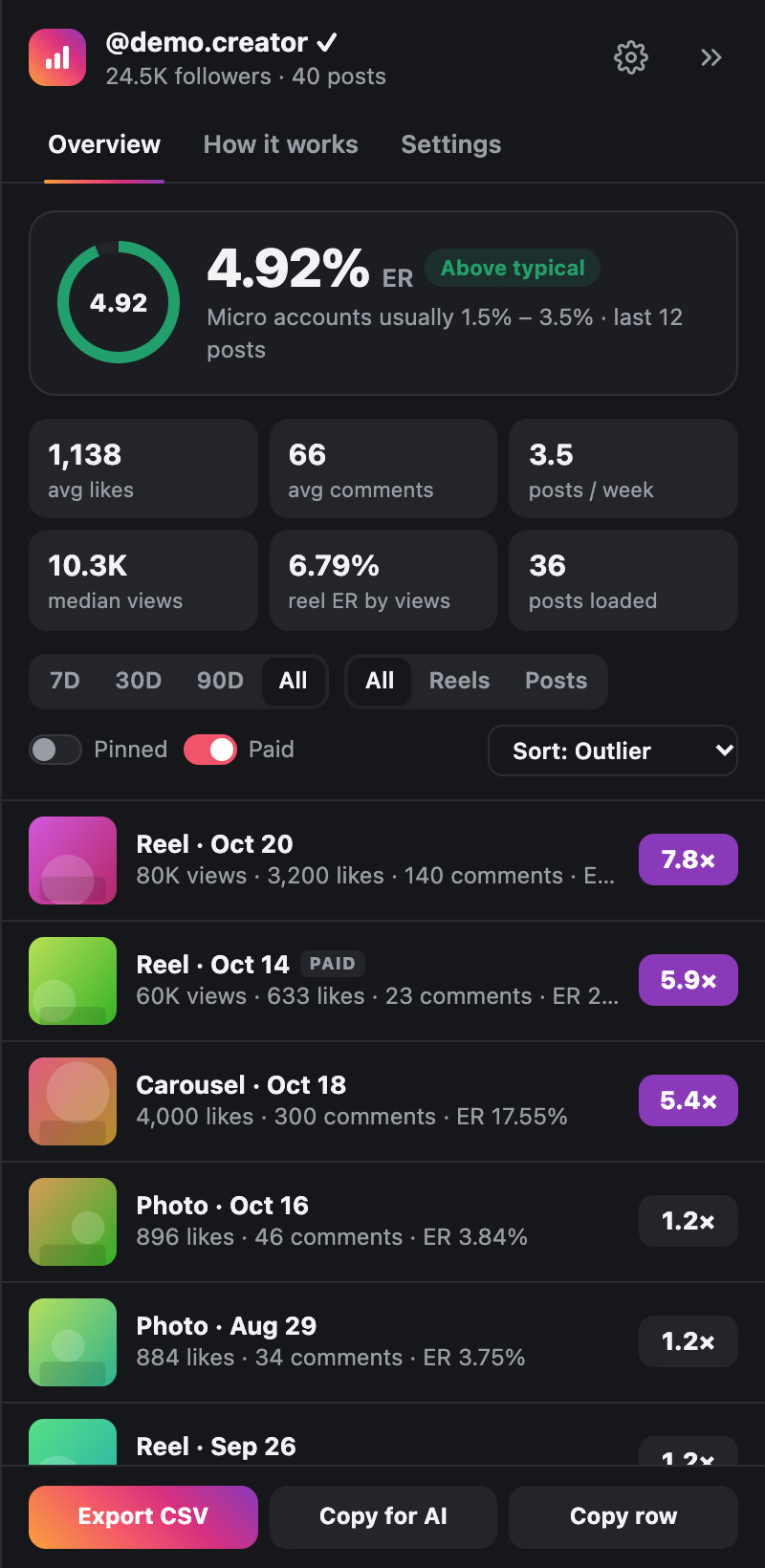
What you get on every profile
A badge with the ER sits on the edge of the page. Click it for the full panel.
Engagement rate
Likes and comments against followers, averaged over the newest 12, 33 or 66 posts, with the median and the dates.
Benchmark by size
The usual ER range for nano, micro, mid, macro and mega accounts, and whether this profile is below, typical or above.
Outlier score
Each post against the creator’s median: views for reels, likes and comments for photos and carousels. Also on the profile grid.
Reel views
Median views and ER by views as their own numbers, never mixed into the ER by followers.
Filters and sorting
Last 7, 30 or 90 days, reels or posts, pinned and paid on or off. Scroll and older posts load by themselves.
CSV and AI prompt
Export every post to a spreadsheet, copy the top posts for an AI chat, or copy one row for your list of creators.
Start in three steps
- 1Open a profileAny public account on instagram.com.
- 2Click the badgeTop right. Drag it anywhere along the edge.
- 3See what worksER, the benchmark and posts ranked by outlier score.
Computed in your browser
The numbers come from what Instagram already shows you, and they never leave your device. No accounts, no servers, no analytics.